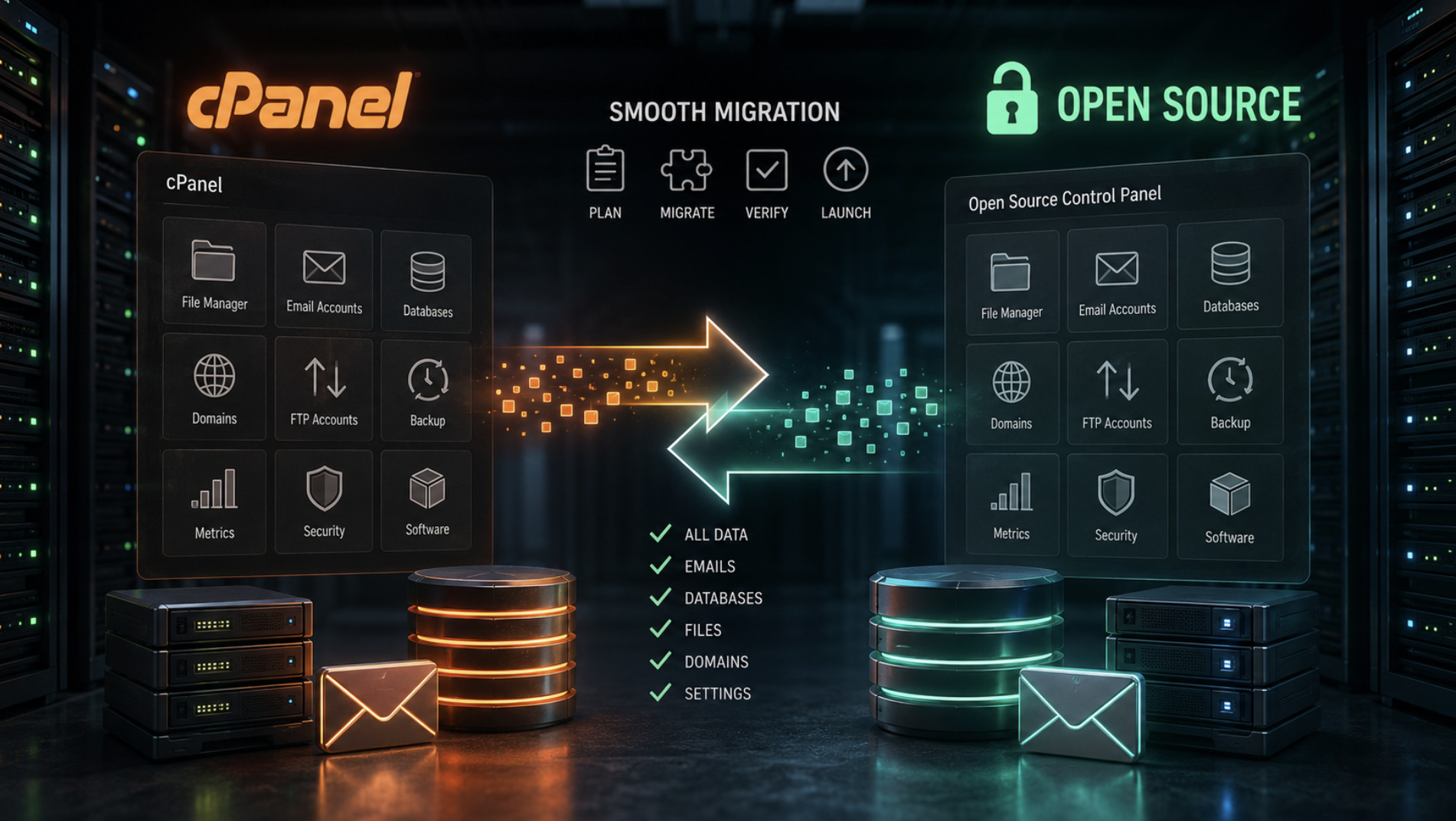
Migrating from cPanel to an Open Source Hosting Control Panel
Rising licensing costs have pushed a lot of hosts and self-hosters to look for an alternative to cPanel, and open source control panels have become the natural destination. The technology is proven and the savings are real, but the word "migration" still makes people nervous. Moving live domains, mailboxes and databases between panels sounds like the kind of project where something is guaranteed to break. In practice, a migration done in the right order is methodical rather than dramatic. This guide walks through how to plan and carry out the move without losing data or downtime.
Understand what you are actually moving
Before touching anything, it helps to see a control panel for what it is: a management layer sitting on top of standard open source services. cPanel does not run your websites — Apache, MySQL and PHP do. It simply configures them through a friendly interface. An open source panel like web-cp does the same job on the same underlying stack, which is the reason migration is possible at all. You are not converting some proprietary format; you are re-registering the same domains, databases and mailboxes under a new manager.
That reframing makes the task less intimidating. The core assets you need to move are the website files, the databases, the email accounts and their contents, the DNS zones, and the account structure that ties them together. Everything else — control panel settings, themes, plugins — is disposable and specific to the old system. Making an inventory of these assets for every account is the first real step. You cannot migrate cleanly what you have not written down, and a spreadsheet of domains, databases, mailboxes and their sizes will save you repeatedly as the project unfolds.
Plan the migration before you touch a server
The most common cause of a painful migration is starting to move things before the plan is finished. A little preparation removes most of the risk. Begin by setting up the target server and installing your open source control panel on a clean, supported operating system, then confirm that the underlying services — Apache, MySQL and PHP — are healthy before any real data arrives. It is far easier to fix a configuration problem on an empty server than on one already carrying live sites.
Next, decide on timing and communication. Migrations are best carried out during quiet periods, and any clients or users involved should know roughly when work will happen. Crucially, plan to lower the TTL on your DNS records a day or two in advance. TTL controls how long the internet caches your DNS answers, and a low value means that when you finally point domains at the new server, the change propagates quickly instead of leaving visitors stranded on the old one for hours. This single step, done early, prevents most of the visible downtime people fear.
Move accounts, files and databases in order
With the target ready, the actual transfer follows a logical sequence. Recreate the account and domain structure on the new panel first, so there is somewhere for the data to land. Then move the website files for each domain, preserving directory structure and permissions. A straightforward transfer over SSH or an equivalent secure method keeps things simple and verifiable. Once files are in place, export each database from the old server and import it into the new one, then update any configuration files so that applications point at the correct database name, user and host.
Work one account at a time and verify as you go rather than moving everything at once and hoping. After each site's files and database are in place, load the site using a temporary method — editing your local hosts file to point the domain at the new server is a reliable trick — so you can confirm it works before any real visitor is affected. This lets you catch missing files, broken database connections or PHP version mismatches privately. Patience here is the difference between a calm migration and a frantic one; a site confirmed working in advance will simply keep working when its DNS is switched.
Do not forget email and DNS
Email is where migrations most often go wrong, because it is easy to move the mailboxes and forget the messages inside them. For every account, recreate the mailbox on the new server and then transfer the stored mail, so that users do not log in after the switch to find an empty inbox. Give email the same careful, account-by-account attention you gave the websites, and test sending and receiving before the domain is live. It is also the right moment to make sure your sender authentication records are correct on the new setup, since a fresh server needs its SPF, DKIM and DMARC records in order to avoid deliverability problems.
DNS is the final switch that makes the migration real. Recreate each domain's DNS zone on the new panel to match the old one, adjusting only the records that need to point at the new server's address. Because you lowered the TTL earlier, updating these records will take effect quickly. Change them, watch the traffic gradually shift to the new server, and keep the old server running untouched for a while afterward as a safety net. Only once everything has propagated and proven stable should you decommission it.
Verify, then let go of the old server
A migration is not finished when the DNS is switched; it is finished when you have confirmed that nothing was left behind. Go back through your original inventory and check each item: every website loading correctly, every database connected, every mailbox present with its history intact, every DNS record resolving as intended. Test the things users actually do — logging in, submitting forms, sending mail — rather than just glancing at a homepage. This deliberate verification is what turns a nervous move into a routine one.
Keeping the old cPanel server online for a grace period costs little and buys enormous peace of mind, giving you a fallback if something surfaces after the switch. Once a week or two has passed with no issues, you can retire it with confidence. Framed this way, migrating from cPanel to an open source control panel is not a leap into the unknown but a sequence of small, verifiable steps on a familiar stack. Done in order, it delivers the cost savings people want without the drama they expect.